 Documentation
Bulk actions on users
SKOOR 9.0 intoduced bulk actions on users.
This allows admins to run some adminstrative changes on multiple users at once
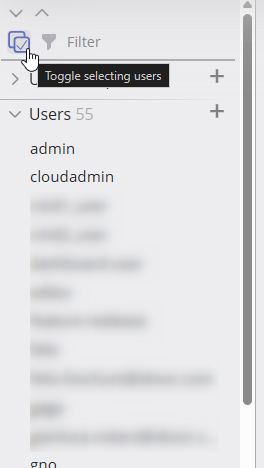
Click the toggle user select button in the sidebar.
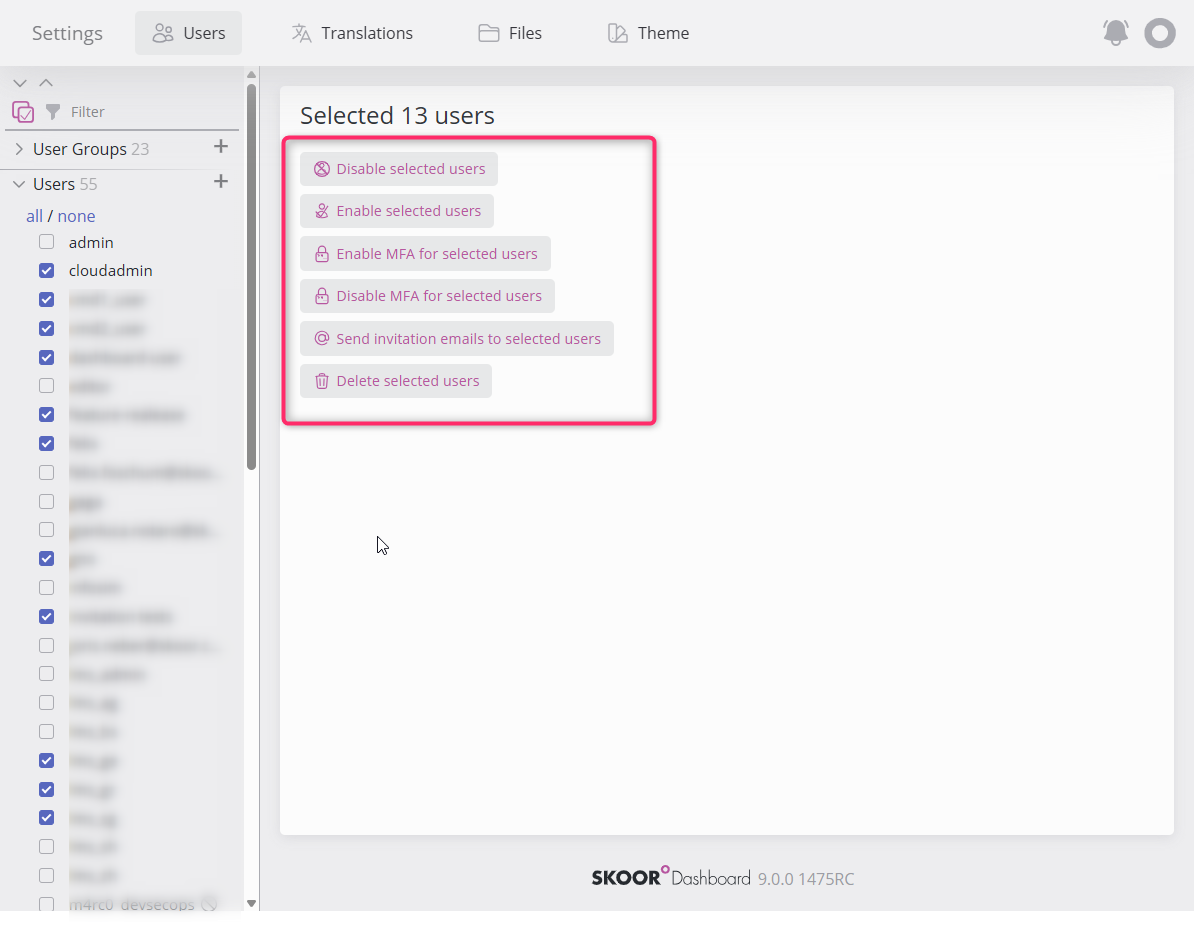
The options in the list change based on the selected users.
Select boxes appear in the user’s list, select multiple users and observe the actions that can be conducted on the right side of the sidebar.
Disable selected users (at least 1 selected user is enabled)
Enable selected users (at least 1 selected user is disabled)
Enable MFA for selected users (at least 1 selected user has MFA disabled)
Disable MFA for selected users (at least 1 selected user has MFA enabled)
Send invitation emails (at least 1 selected user has email setup)
Delete users (None of the selected users is Remote (managed/auth))