 Documentation
Create new user
A new SKOOR Dashboard user can be created by clicking on the + icon in the sidebar of the users' page.
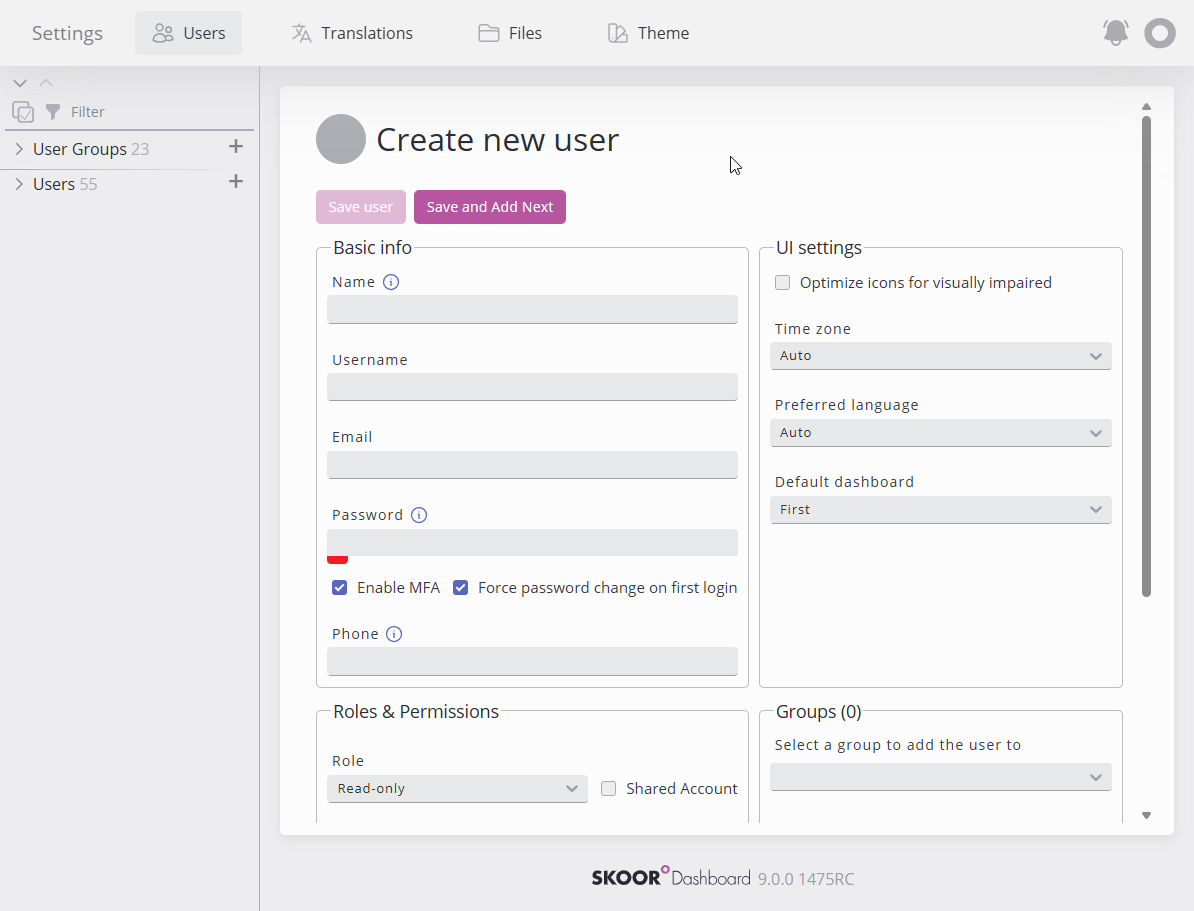
Basic info includes the user's details and his password.
UI settings
Role and groups in which the user should be a member.
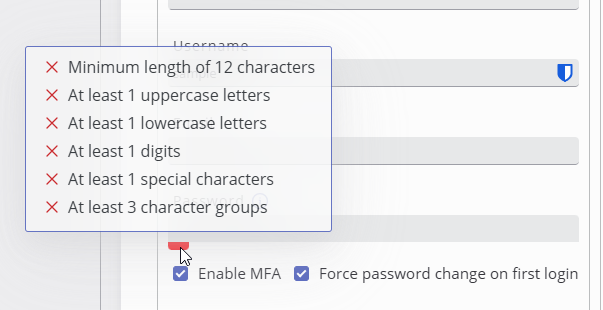
A password meter shows how strong the password is, based on the defined password policy.
Hovering on the meter shows more details about what’s missing for a perfect password.