 Documentation
MFA (Multi-Factor Authentication)
MFA, or Multi-Factor Authentication, is crucial for enhancing security in today's digital landscape. It adds an extra layer of protection beyond just a username and password, making it significantly harder for unauthorized users to gain access to sensitive information.
Here's how MFA works:
Usual Password: This is typically your password. It’s the first layer of security that you must provide.
Time-based One Time Password also know as TOTP: This will be retrieved from an authenticator app that requires setting up (by inputting a totp-secret)
By requiring multiple forms of verification, MFA significantly reduces the risk of unauthorized access, even if a password is compromised.
How to setup MFA for a SKOOR User:
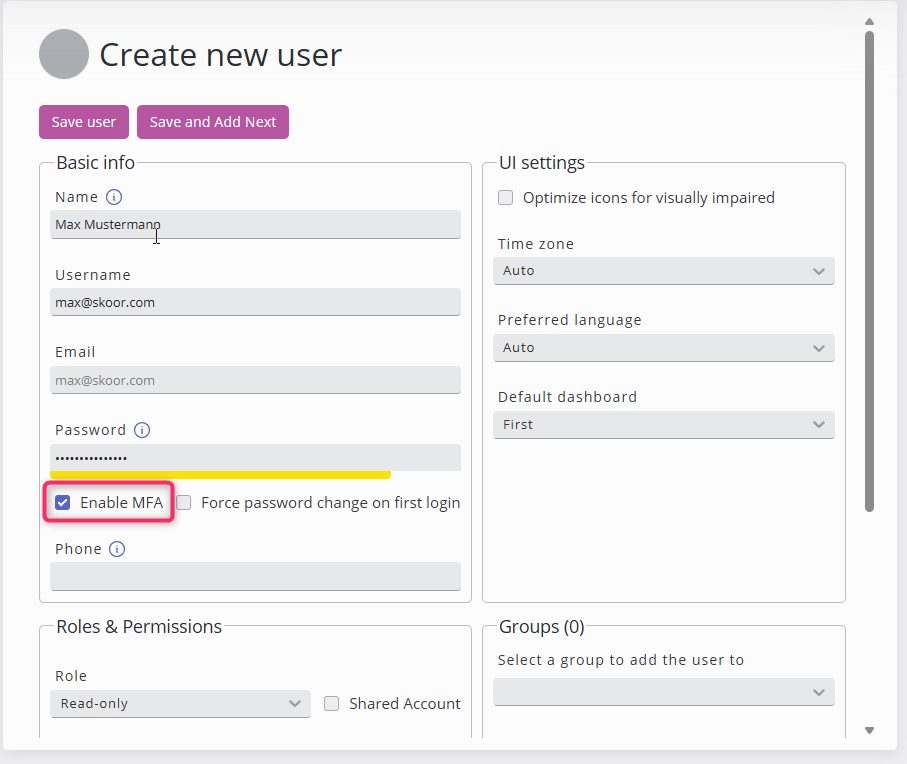
Make sure that the user has MFA activated.
Either upon creation by checking the flag
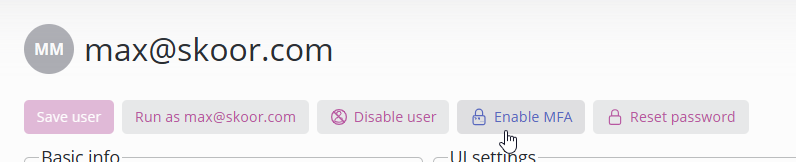
or Clicking on Enable MFA from the quick actions section
 |  |
On the next login, the user is required to setup MFA, for this he gets a QR-Code as follows:
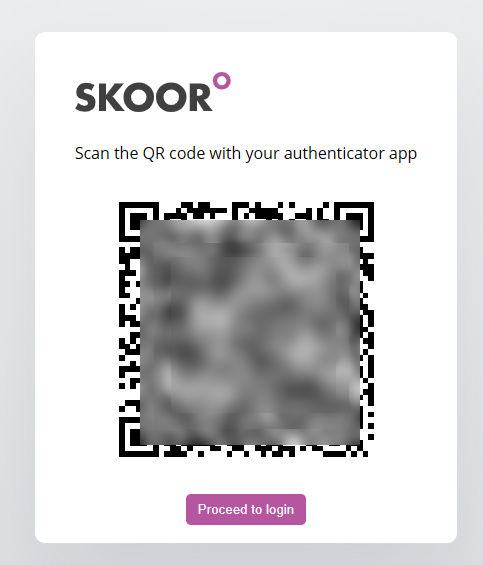
After scanning the code with an Authenticator app, the user gets time-based password that changes every 30 seconds
Use will click on proceed to login and is required to authenticate his account with the TOTP provided from the application.
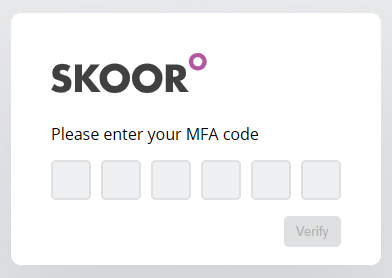
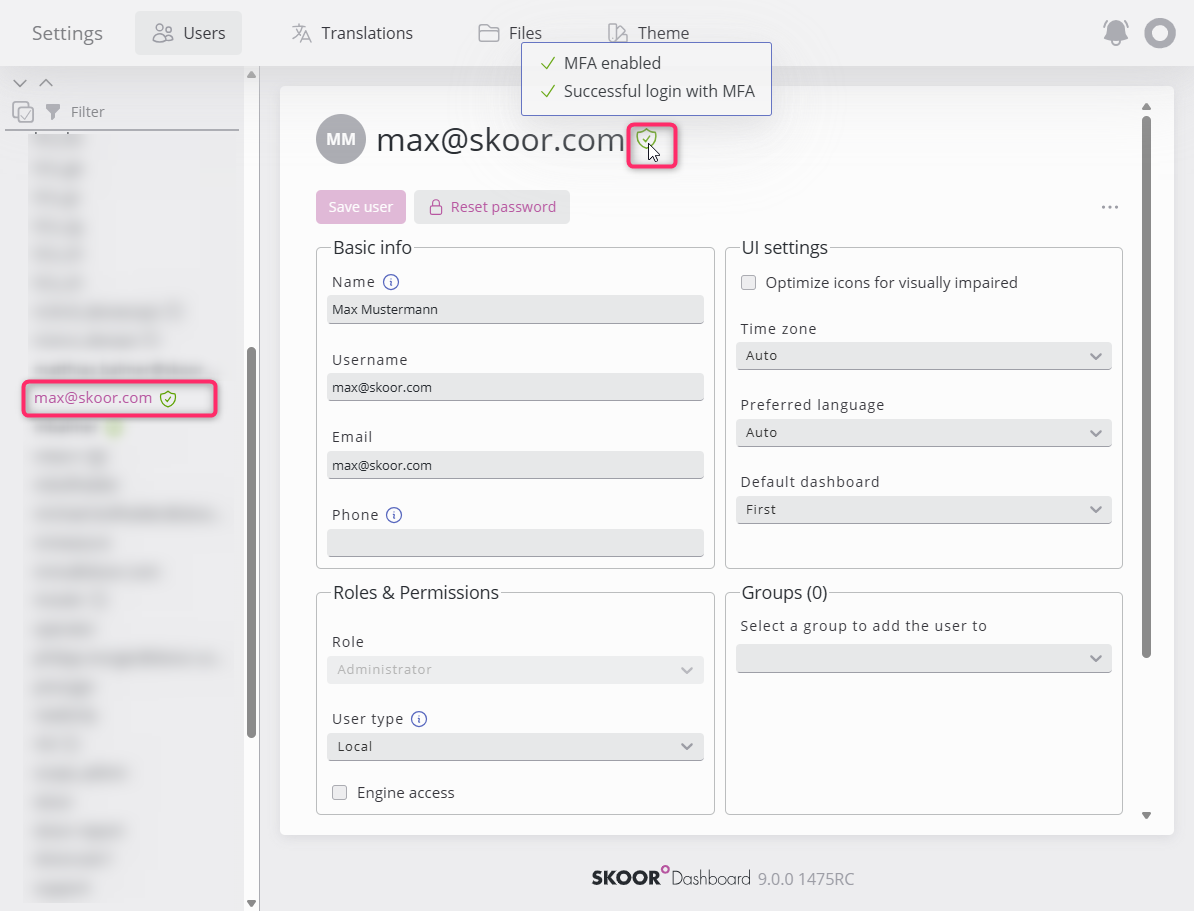
Activating MFA can quickly be obsereved in the user’s page sidebar or the user’s profile as follows
Hover on the MFA Badge for more details.
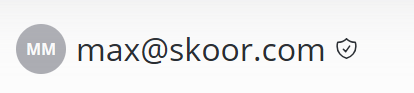
Was MFA Setup by the user and used successfully to login the Badge would turn green.