 Documentation
Disable/Enable Users
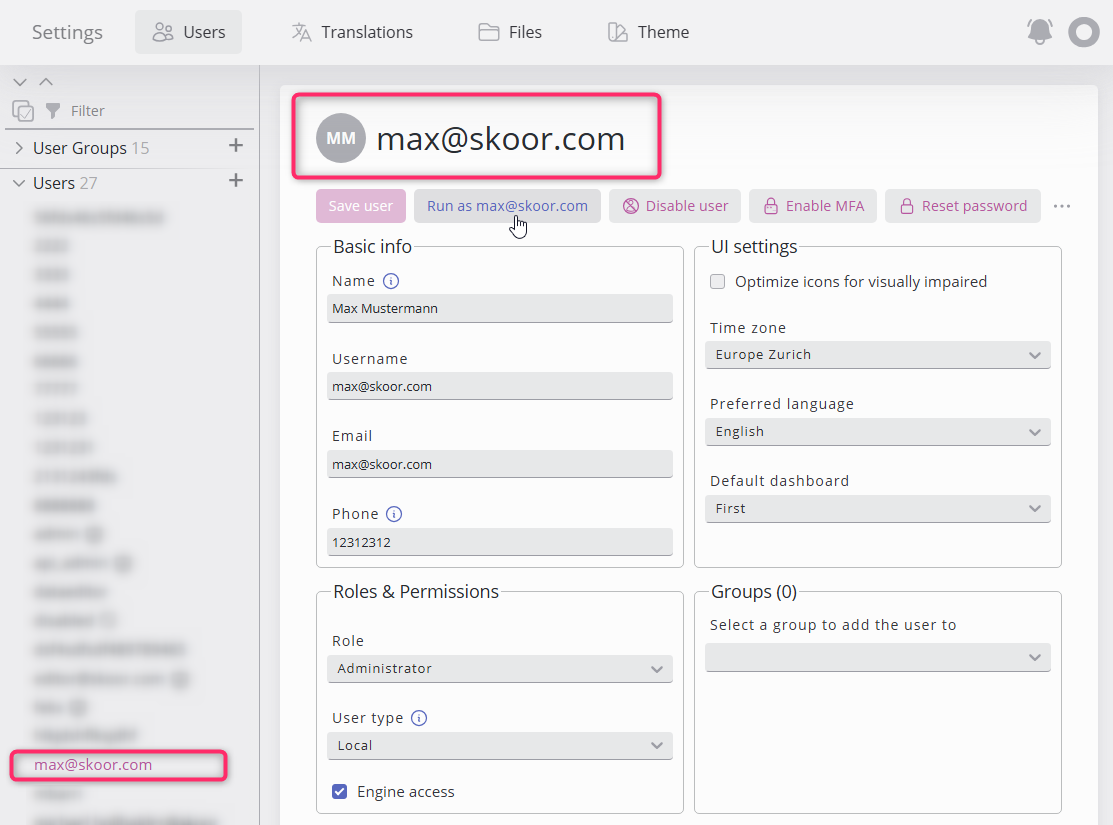
Users' accounts can be disabled, which will prevent users to log-in.
How to disable a profile?
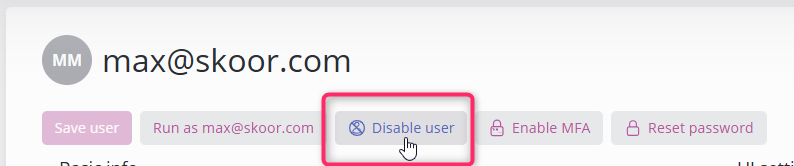
From the user’s profile, click on
Disable user.
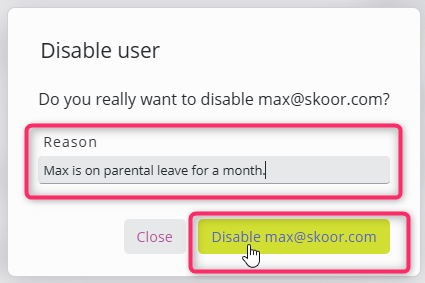
A confirmation dialog will appear, in which a message can be inputted and the action confirmed.
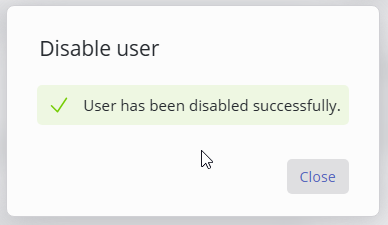
A feedback message is shown.
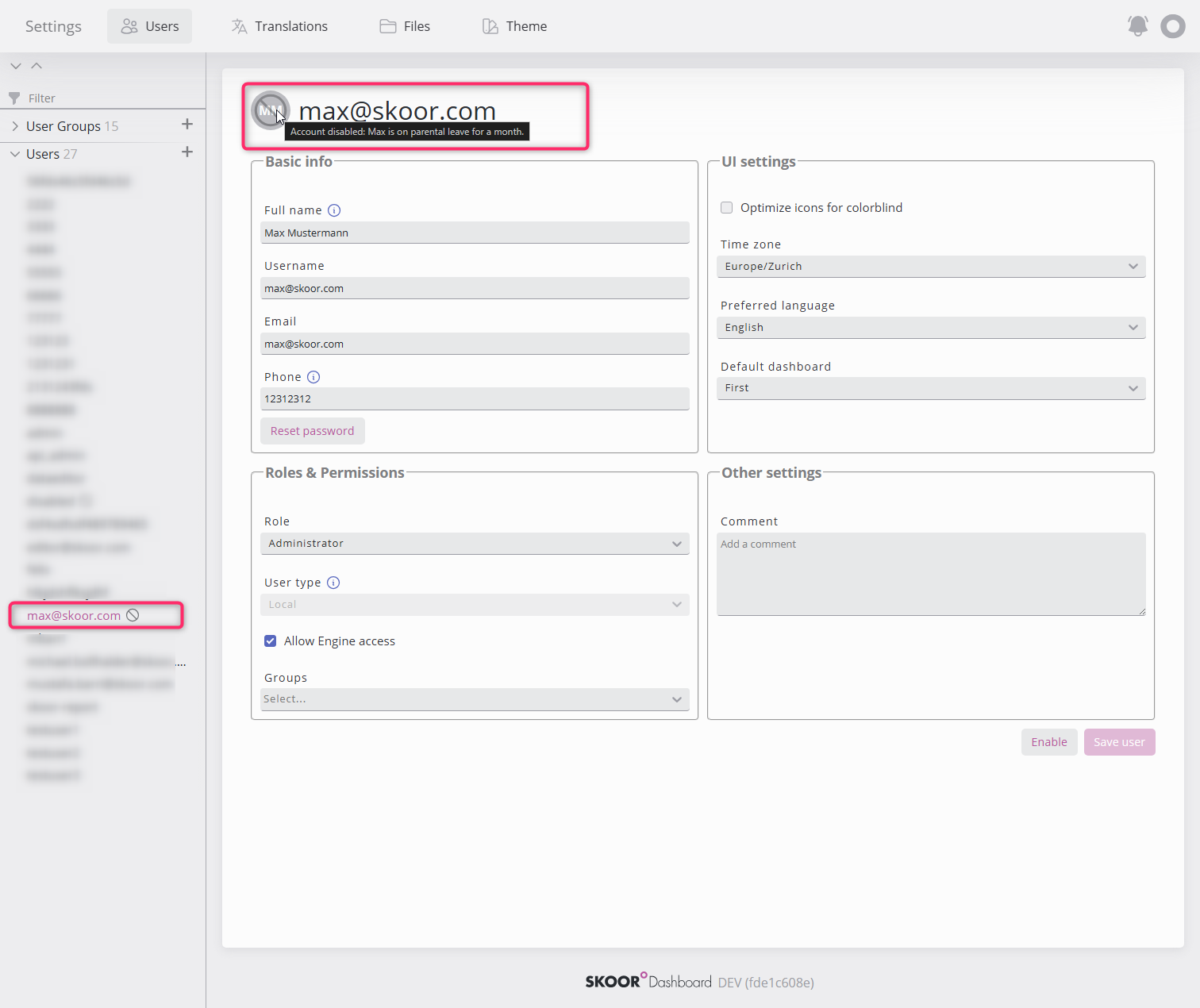
Disabled users are marked in the sidebar and in the user’s profile, hovering on the disabled icon shows the reason.
How to enable a profile?
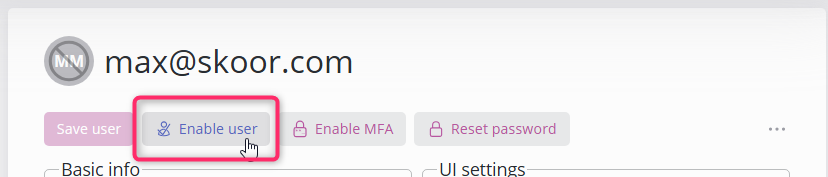
On the disabled user profile, click
Enable user.
Profile is active and this can be obsereved in the sidebar and on the profile.